How to Make Voxel Art in Your Browser: A 5-Step Beginner Guide
Learn how to make voxel art without installing software, from choosing a simple shape and palette to animation and GIF, OBJ, or GLB export.
How to Make Voxel Art in Your Browser
Voxel art uses small cubes to build three-dimensional characters, props, buildings, and scenes. It feels a little like drawing pixel art in 3D, and it is an approachable way to prototype game assets.
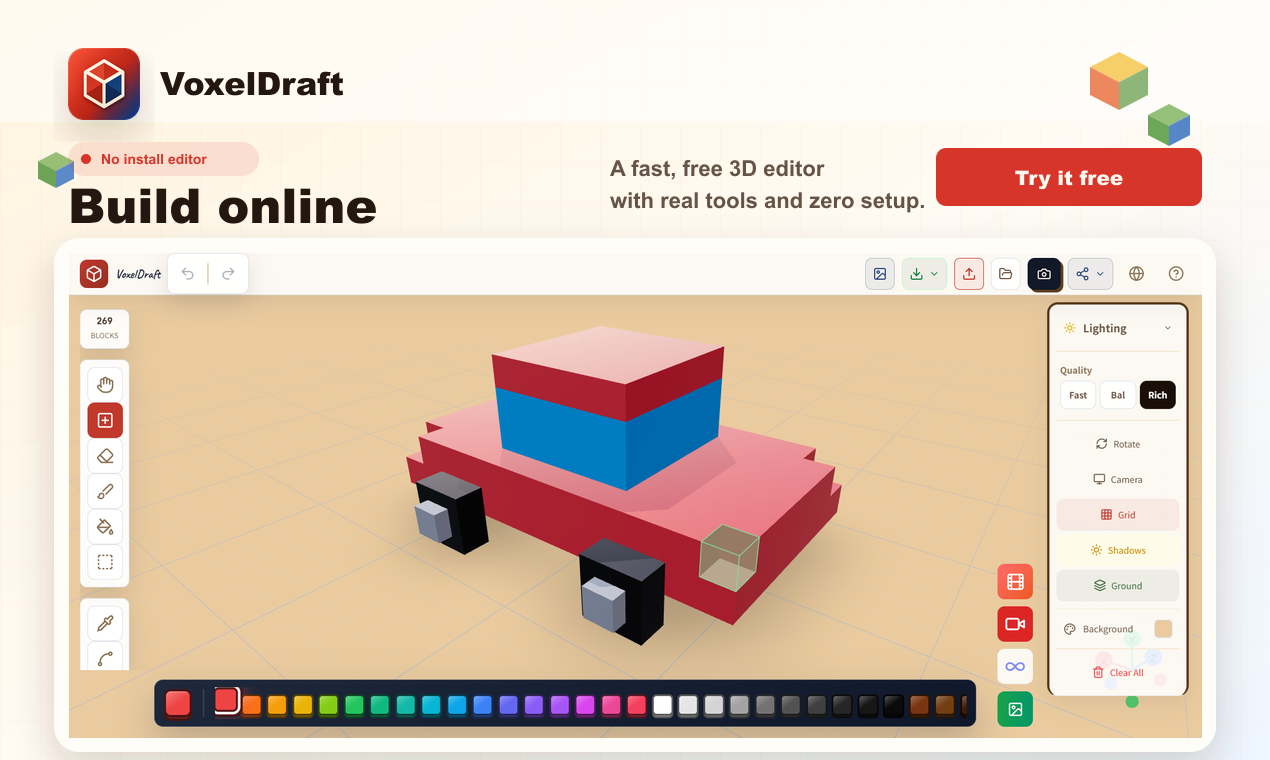
You do not need to install a desktop application to try it. VoxelDraft runs in the browser without an account. This guide takes you from an empty canvas to a finished export in five steps.
If you want to start building immediately, open the free online voxel art maker and jump straight into the browser editor.
1. Pick a small subject
Start with an object that has a recognizable silhouette: an apple, sword, treasure chest, or tiny house. Decide on its front-facing outline, one main color, one shadow color, and whether the final piece will be static or animated.
If you want a reference instead of starting from zero, browse the VoxelDraft voxel art gallery. Public works can be opened as editable copies, which makes them useful for studying silhouettes, palettes, and block placement.
2. Block out the large shapes
Build the silhouette before adding details. For a house, place the walls and roof first. For a character, start with the torso and head. Rotate the camera frequently to check depth as well as the front view.
If the design is symmetrical, mirror tools can keep both sides consistent while you add, remove, and paint blocks.
If your starting point is a PNG, JPG, logo, photo, or pixel-art reference, the image to voxel converter can turn the image into editable blocks before you refine the model manually.
3. Use a limited palette
Three to five colors are often enough for a small model. Try a base color, a highlight, and a shadow. Choose one light direction and keep the top-facing surfaces brighter than the opposite side.
4. Add a short animation
Once the static model works, use layers and keyframes for a simple loop. A character can bounce, an item can rotate, a lid can open, or the camera can orbit the model. Small movements usually read better than large ones at voxel scale.
5. Export for the next step
Choose the output based on where the model is going:
| Goal | Format | | --- | --- | | Continue editing later | JSON | | Share motion on social media | GIF | | Use in Blender or a game engine | OBJ + MTL / GLB | | Continue in MagicaVoxel | VOX | | Build for Minecraft | Schematic | | Prototype in Roblox Studio | RBXL |
For important projects, keep a JSON backup in addition to browser storage.
If you want other people to inspect the model in the browser, VoxelDraft can also create a live editable link or an iframe. See the voxel art sharing and embedding guide for those options.
Three quick ways to improve the result
- Check the silhouette in one color before polishing the palette.
- Add one-block-deep details such as a rim, belt, window frame, or handle.
- Set a time limit so the model reaches a finished state instead of remaining an endless draft.
Start building
Voxel art becomes much easier when you work from large shapes to a small palette and then add motion. VoxelDraft removes the setup step, so you can test an idea as soon as it appears.
Explore the VoxelDraft voxel art maker, browse editable voxel examples, or open the editor directly.
Ready to Start Creating?
No signup required. Start creating voxel art in your browser right now.
Open Editor